
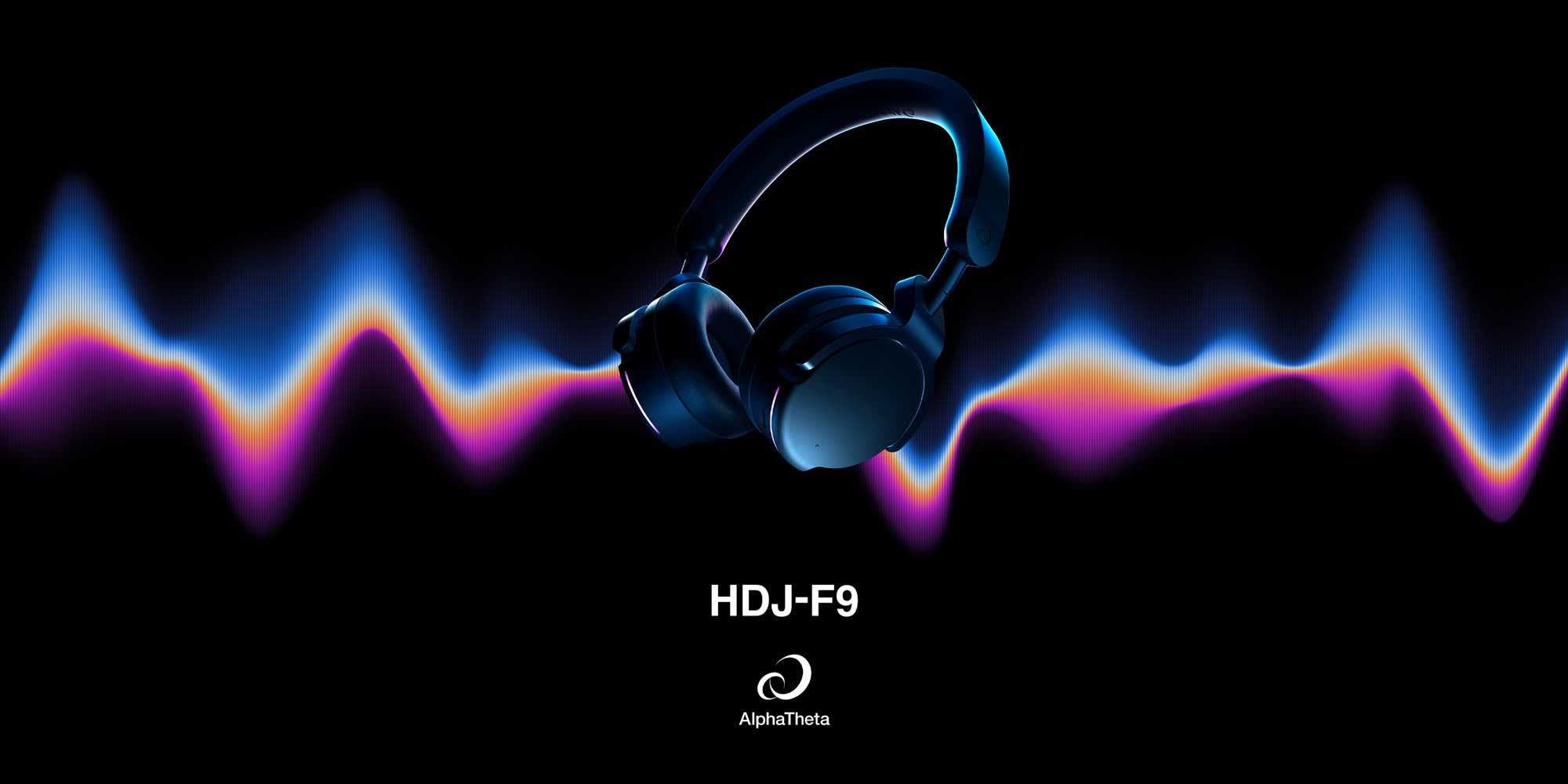

The AlphaTheta HDJ-F9 is a professional on-ear wireless DJ headphone built around SonicLink, AlphaTheta's own 2.4 GHz wireless system, with latency as low as 9 milliseconds. It weighs 10.06 oz (285 g), uses newly developed 40 mm drivers with a PEEK-PU-PEEK composite film diaphragm, and is the first AlphaTheta headphone that can connect to a compatible DJ mixer just by touching the housing against it.
AlphaTheta announced the HDJ-F9 on September 4, 2026. You will also see it written as HDJ F9, and searched for as Pioneer DJ HDJ-F9: AlphaTheta was Pioneer DJ Corporation until 2020 and has been releasing products under the AlphaTheta name since 2024, so both names point at the same company.
Everything below comes from AlphaTheta's own launch material and the HDJ-F9 instruction manual. Where AlphaTheta has not published a figure, we say so rather than guessing.
What is the AlphaTheta HDJ-F9?
It is the second AlphaTheta headphone to carry SonicLink, after the over-ear HDJ-F10. SonicLink exists because ordinary Bluetooth is unusable for DJ monitoring: the delay between the mixer and your ears is large enough to throw off a beatmatch. AlphaTheta rates SonicLink at 9 msec and describes it as 20 times faster than the commonly used Bluetooth SBC codec, which is low enough that AlphaTheta states you can monitor your mixing and even scratch accurately without a cable.
The difference with the F9 is the body. Where the F10 is a full over-ear headphone at 12.56 oz (356 g), the F9 is an on-ear design at 10.06 oz (285 g), with swivel-mounted hangers and a flexible silicone headband so it sits comfortably one-ear, both ears, or resting on your shoulder.

What is new on the HDJ-F9?
Touch pairing, which no previous AlphaTheta headphone had
This is the headline feature. On supported DJ gear you connect by physically touching the headphones to the unit, with no menus and no pairing button sequence. AlphaTheta names the DJM-V5 as a compatible mixer.
SonicLink in an on-ear form factor
Until now, wireless SonicLink monitoring meant committing to a full over-ear headphone. The F9 takes 2.5 oz off the weight and moves to an on-ear fit, which is a real difference over a five-hour set.
Bluetooth 5.3 with multipoint
The F9 moves to Bluetooth 5.3 (the F10 is 5.2) and adds multipoint, so it holds two devices at once, for example a phone and a laptop, and switches between them. It remembers up to eight devices and supports Google Fast Pair on Android 6.0 or later and Windows Swift Pair.

A Status LED you can set to any color
Using the HEADPHONES CONNECT app you can set the color and brightness of the Status LED, turn it off per connection mode, or put it in an energy-saving ECO mode where it lights periodically. The LED has a measurable battery cost, covered below.
Find My Headphones
The app can make the headphones play a sound so you can locate them, and on Android it also works with Find Hub. The app additionally handles renaming, auto power off, button assignments and firmware updates.
How does SonicLink touch pairing work?
You hold the headphones' SonicLink touch pairing area against the touch area on a supported DJ device. If the headphones are switched off, keep them touching until they power on. That is the entire procedure.
The handshake is triggered by a tag rather than a button: the HDJ-F9 specifications list an NFC section conforming to ISO/IEC 15693, which is how the mixer detects the headphones on contact. Two things are worth knowing before you rely on it:
- Your mixer needs a firmware update. AlphaTheta states the compatible DJ mixer must be updated to its latest firmware for touch pairing to work.
- Not every unit supports it. Touch pairing only works on DJ devices built for it. Check the manual for your specific unit for the location of its touch area.
For gear that is not SonicLink-native, the separately sold AlphaTheta HP-TX01 transmitter plugs into any mixer with a headphone output or a 3.5 mm stereo mini monitor output and gives you SonicLink anyway. That is the same transmitter used by the HDJ-F10, and the pairing routine is identical.

If you would rather pair manually: switch to SonicLink mode by holding the wireless connection mode button for at least 2 seconds, then with the power off hold the multifunction button for about 5 seconds until the mode LED blinks white, and put the transmitter or mixer into pairing mode.

HDJ-F9 vs HDJ-F10: which should you buy?
Take the HDJ-F9 if you want the lightest wireless monitoring and touch pairing. Take the HDJ-F10 if you want active noise cancelling, maximum isolation, or the longest Bluetooth battery life. Both run SonicLink at the same 9 msec latency and the same roughly 50 ft range, so this is a decision about fit, isolation and features, not about wireless performance.
| Spec | HDJ-F9 | HDJ-F10 |
|---|---|---|
| Wearing style | On-ear | Over-ear |
| Weight | 10.06 oz (285 g) | 12.56 oz (356 g) |
| SonicLink latency | 9 msec | 9 msec |
| SonicLink touch pairing | Yes, on supported gear | No, uses the HP-TX01 |
| Active noise cancelling | Not listed | Yes, plus Transparency mode |
| Battery, SonicLink | Approx. 9 h (LED off) / 7 h (LED lit) | Approx. 9 h |
| Battery, Bluetooth | Approx. 25 h (LED off) / 13 h (LED lit) | Approx. 30 h (ANC on) |
| Bluetooth version | 5.3, multipoint for 2 devices | 5.2 |
| Driver | 40 mm, PEEK-PU-PEEK diaphragm | 40 mm, PEEK-PU-PEEK diaphragm |
| Sensitivity | 106 dB | 105 dB |
| Headband material | Silicone | Nylon |
| Ruggedness claim | Passed international durability tests, die-cast aluminum slider | Passed MIL-STD-810H Shock test |
| Customizable Status LED | Yes, color and brightness | Not listed |
If you do not need wireless at all, the wired Pioneer DJ HDJ-CX is the on-ear professional model in the same family, and it is considerably cheaper. Useful detail: the F9's cable plug uses the same locking structure as the HDJ-CX, HDJ-S7 and HDJ-F10 cables, so those cables interchange.
What the HDJ-F9 does not do
Worth knowing before you buy, all of it straight from the manual:
- No active noise cancelling. AlphaTheta does not list ANC or a Transparency mode for the F9. Its isolation claim is structural: an optimized internal design that AlphaTheta says isolates better than other on-ear models. If you want ANC, that is the F10.
- The volume buttons do nothing in SonicLink mode. You set level at the mixer or player instead.
- The app will not connect over SonicLink. HEADPHONES CONNECT only works in Bluetooth mode. You can pre-set LED on/off and ECO mode for SonicLink use, but that is it.
- Plugging in the cable kills both wireless modes. Attaching the coiled cable turns Bluetooth and SonicLink off, and the power will not turn on while a cable is in the input terminal.
- You cannot use them while charging. Starting a charge switches them off, and neither wireless mode runs during charging.
- No USB power adapter in the box. You need your own 5 V adapter rated at 1.5 A or more.
- SBC and AAC only. No aptX or LDAC is listed, which matters for Bluetooth listening but not for SonicLink monitoring.
- Calls are cellular only. The manual states the headphones support normal phone calls and are not compatible with smartphone or PC/Mac calling applications, so do not buy them for Zoom.
- The voice assistant needs Bluetooth. Siri and Google Assistant will not work over SonicLink.
- They power off if left unconnected. Five minutes without finding a device and they shut down.
- The swivel only turns one way. AlphaTheta warns that forcing the hangers in the wrong direction can damage them.

Who is the HDJ-F9 for?
Turntablists and scratch DJs
9 msec is the number that matters. AlphaTheta states explicitly that you can monitor your mixing and scratch accurately over SonicLink, which is not something you can say about a normal Bluetooth headphone.
Club and festival DJs who move around
SonicLink reaches about 50 ft (15 m) unobstructed, so you can step out of the booth, walk the front of the stage, or check the room from the floor without unplugging. This is the whole reason SonicLink exists.
Mobile and wedding DJs
The on-ear fit and 10.06 oz weight suit long events, and the Bluetooth side is genuinely useful during setup: up to 25 hours with the Status LED off, multipoint so your phone and laptop stay connected at once, and a built-in mic for calls with the venue. Then switch to SonicLink for the set. Pair it with a compact player like the AlphaTheta CDJ-1500X and the whole rig gets lighter.
Producers and DJs prepping sets
A closed dynamic design with a 5 Hz to 30 kHz response and the bass-reflex chamber in each housing is intended for monitoring rather than casual listening, and the included coiled cable means you can go wired at the desk with no battery involved.

Who should look elsewhere
If you fly a lot and want noise cancelling, or you need the deepest possible isolation in a loud booth, the over-ear HDJ-F10 is the better fit. If wireless is not a requirement, spend less on a wired pair from our DJ headphones collection.

Full HDJ-F9 specifications

| Model | HDJ-F9 |
|---|---|
| Type | Closed, dynamic, on-ear |
| Driver | 40 mm (1.57 in) dome type, PEEK-PU-PEEK composite film diaphragm |
| Frequency response | 5 Hz to 30,000 Hz |
| Impedance | 32 ohms |
| Sensitivity | 106 dB |
| SonicLink latency | As low as 9 msec |
| SonicLink range | Approx. 50 ft (15 m) unobstructed, 2.4 GHz |
| Bluetooth | Ver. 5.3, approx. 33 ft (10 m) unobstructed, 2.4 GHz |
| Bluetooth profiles | A2DP, AVRCP, HSP, HFP |
| Codecs | SBC, AAC |
| Multipoint | 2 devices connected, 8 remembered |
| Playback, SonicLink | Approx. 9 hours with Status LED off, approx. 7 hours lit |
| Playback, Bluetooth | Approx. 25 hours with Status LED off, approx. 13 hours lit |
| Charge time | Approx. 2.5 hours full, 30 minutes gives approx. 2.5 hours of use |
| Charging | USB Type-C, 5 V at 1.5 A or more (adapter not included) |
| NFC | ISO/IEC 15693 (tag), used for SonicLink touch pairing |
| Microphone | Condenser, omni-directional, 100 Hz to 4,000 Hz |
| Head cushion / ear pads | Silicone headband / polyurethane, leather-style finish |
| Plug | 3.5 mm stereo mini, locking |
| Weight | 10.06 oz (285 g) without cable |
| In the box | 4 ft (1.2 m) coiled cable extending to approx. 10 ft (3 m), 1/4 in (6.3 mm) screw-on adapter, 20 in (0.5 m) USB-C to USB-C charging cable, carry pouch, quick start guide, precautions for use |
| Warranty | 2 years |

Frequently asked questions
Does the HDJ-F9 need the HP-TX01 transmitter?
Not always. If your DJ device has SonicLink built in or supports touch pairing, the HDJ-F9 connects directly with no transmitter. You need the HP-TX01 to use SonicLink with gear that does not, and it works with any mixer that has a headphone output or a 3.5 mm stereo mini monitor output.
What is the HDJ-F9's latency?
As low as 9 msec over SonicLink. AlphaTheta describes that as 20 times faster than the commonly used Bluetooth SBC codec.
Can you scratch on the HDJ-F9 wirelessly?
Yes. AlphaTheta states that without cables you can monitor your mixing, and even scratch, accurately over SonicLink.
Does the HDJ-F9 have active noise cancelling?
No. AlphaTheta does not list active noise cancelling or a Transparency mode for the HDJ-F9. Its isolation comes from the physical housing design. The over-ear HDJ-F10 has both ANC and Transparency mode.
How long does the HDJ-F9 battery last?
Approximately 9 hours on SonicLink and 25 hours on Bluetooth with the Status LED off, or approximately 7 hours and 13 hours with the LED lit. A full charge takes about 2.5 hours, and a 30-minute charge gives about 2.5 hours of use.
Is the HDJ-F9 on-ear or over-ear?
On-ear. It weighs 10.06 oz (285 g) without the cable, compared with 12.56 oz (356 g) for the over-ear HDJ-F10.
Can the HDJ-F9 be used with a cable?
Yes. A 4 ft (1.2 m) coiled cable that extends to about 10 ft (3 m) is included, along with a screw-on 1/4 in adapter. Attaching the cable turns off both Bluetooth and SonicLink, and the headphones will not power on with a cable connected.
Does the HDJ-F9 work with the AlphaTheta DJM-V5?
Yes. AlphaTheta names the DJM-V5 as an example of a mixer that supports SonicLink touch pairing. Update the mixer to the latest firmware first, as AlphaTheta requires this for touch pairing.
Should I buy the HDJ-F9 or the HDJ-F10?
Choose the HDJ-F9 for the lightest wireless monitoring, an on-ear fit and touch pairing. Choose the HDJ-F10 for active noise cancelling, greater isolation and the longest Bluetooth runtime. SonicLink latency and range are the same on both.
Where to buy the AlphaTheta HDJ-F9
The HDJ-F9 will appear in our AlphaTheta collection alongside the rest of the range, and in our DJ headphones collection, where you can check current pricing and stock. If you want SonicLink today, the HDJ-F10 and the HP-TX01 transmitter are both available now.
Not sure which pair suits how you play? Start with our guide to the best headphones for DJs, or call us and we will talk it through.